01 Scan
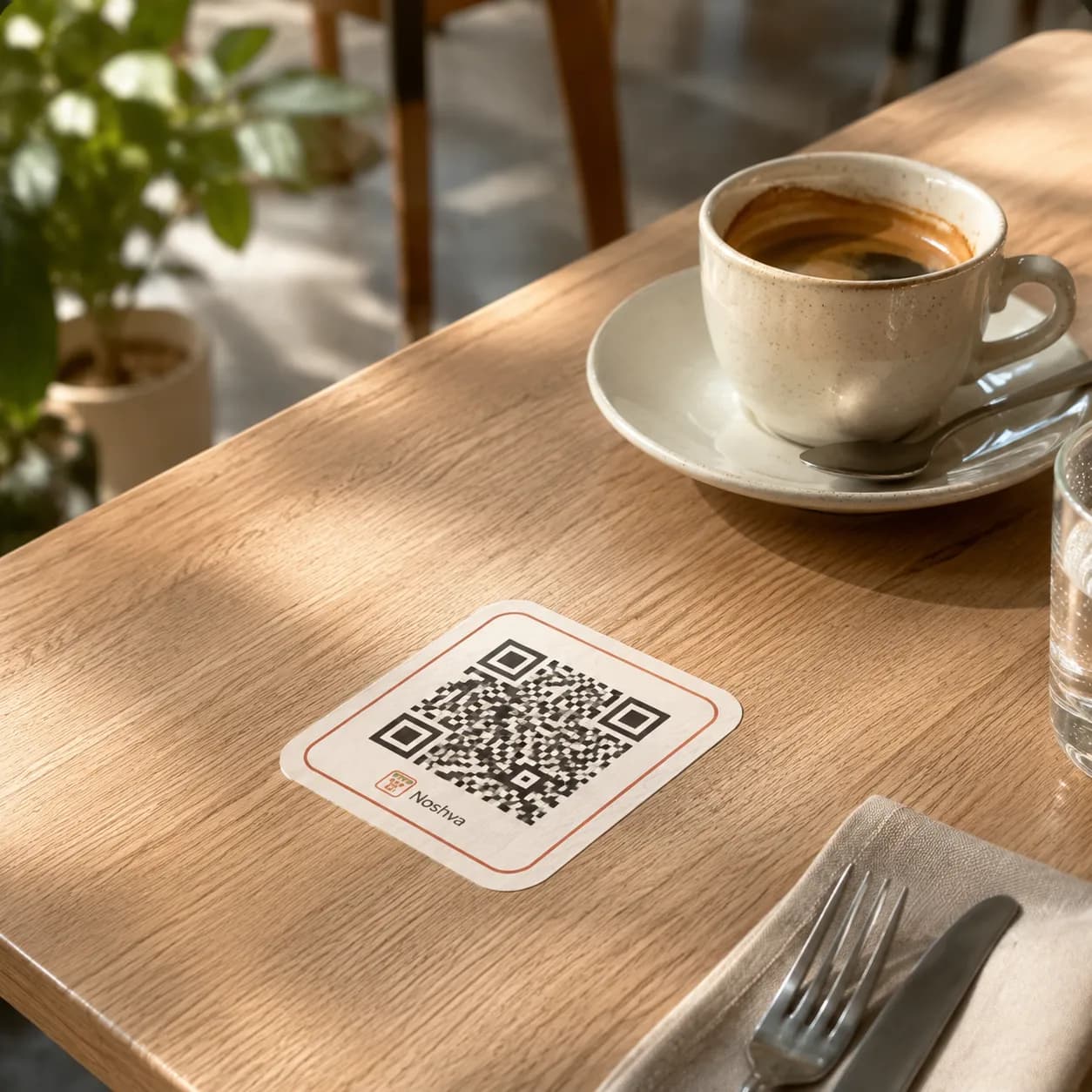
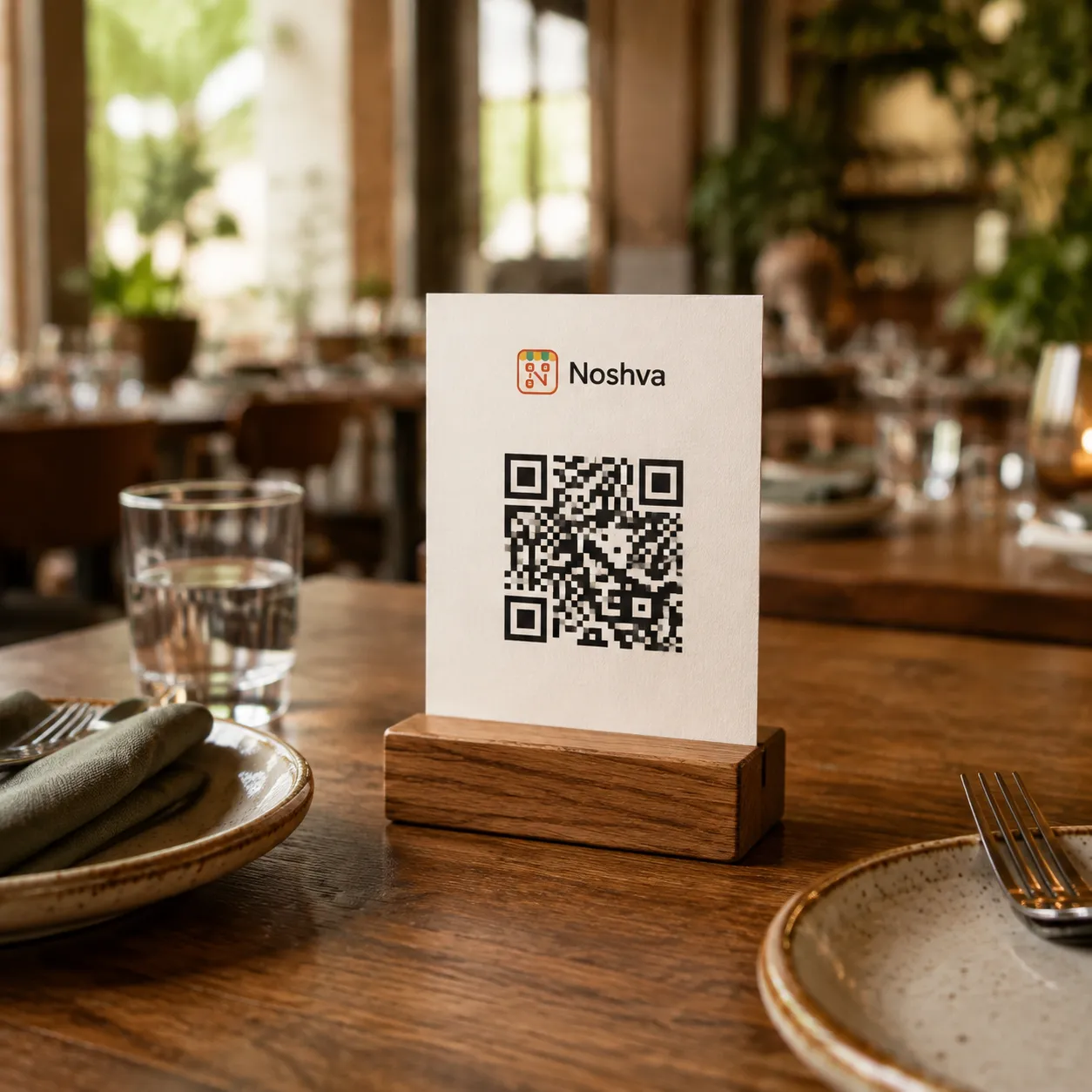
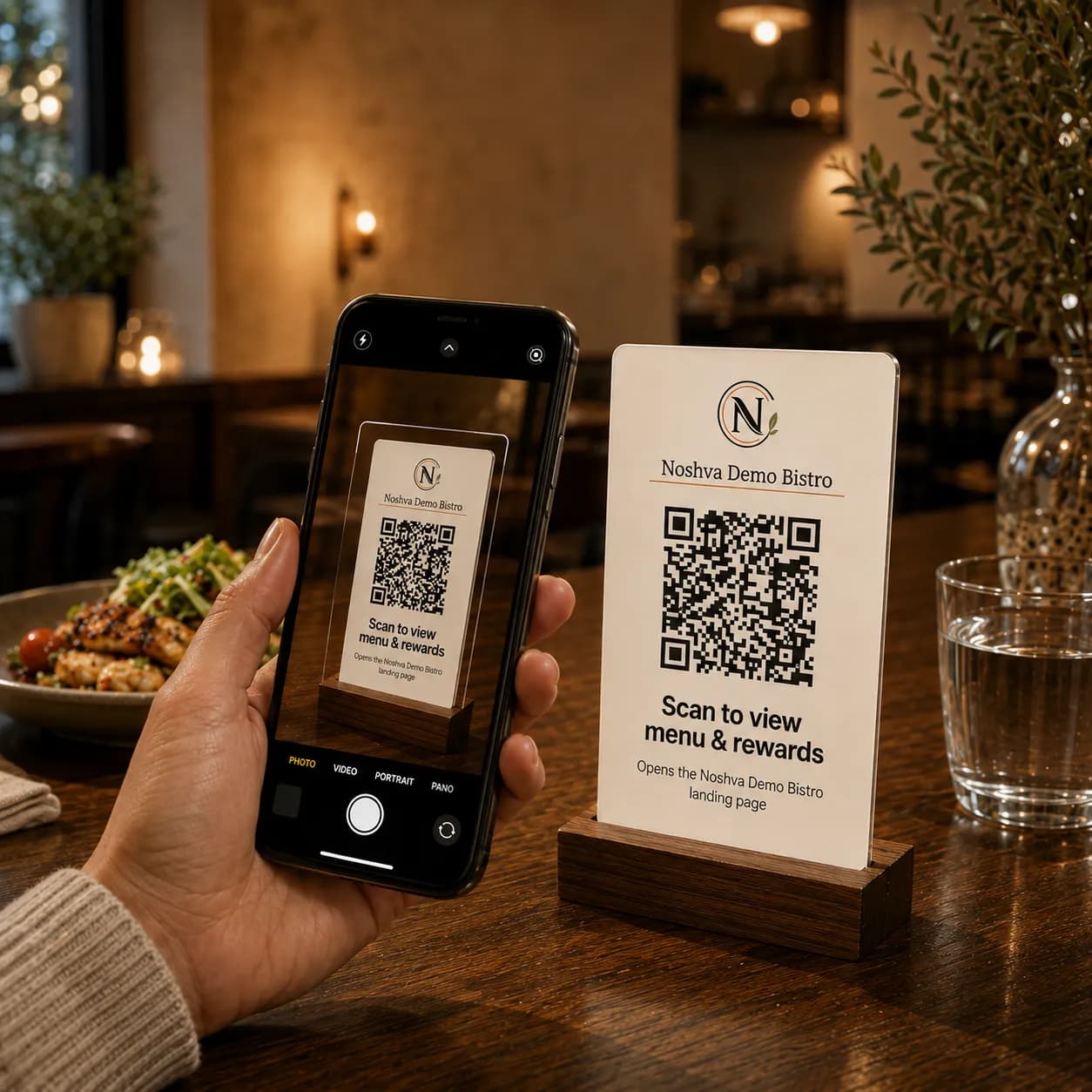
Scan to begin.
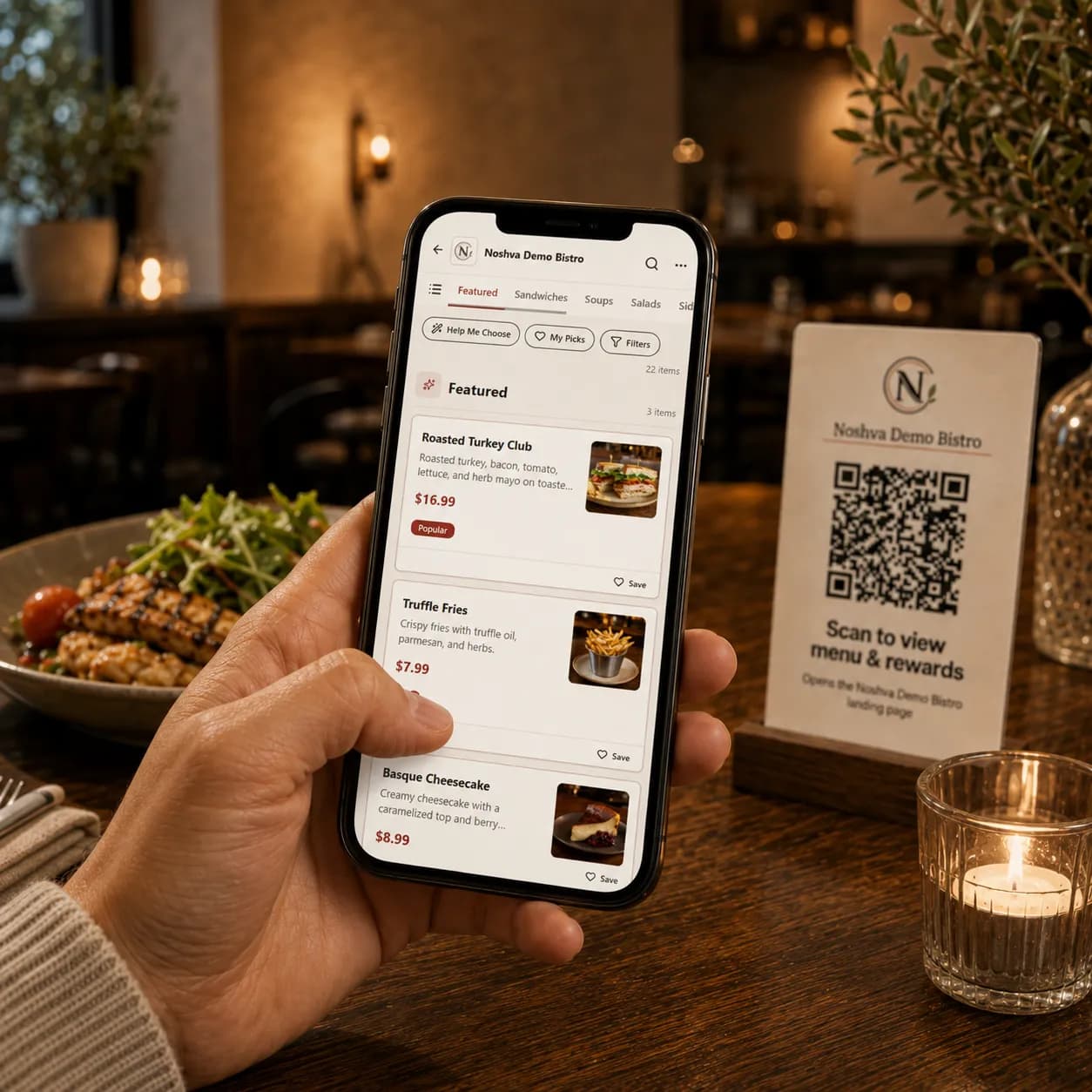
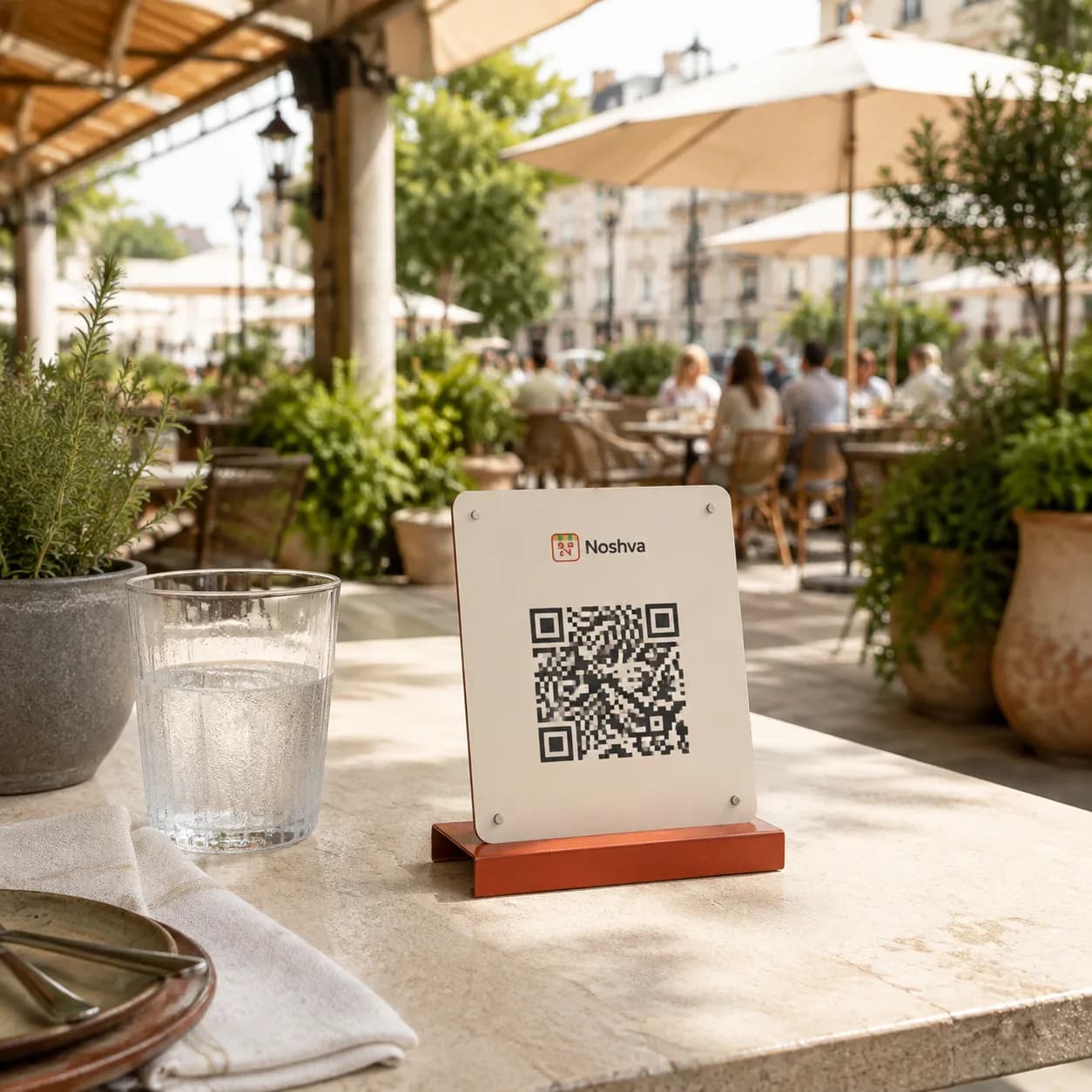
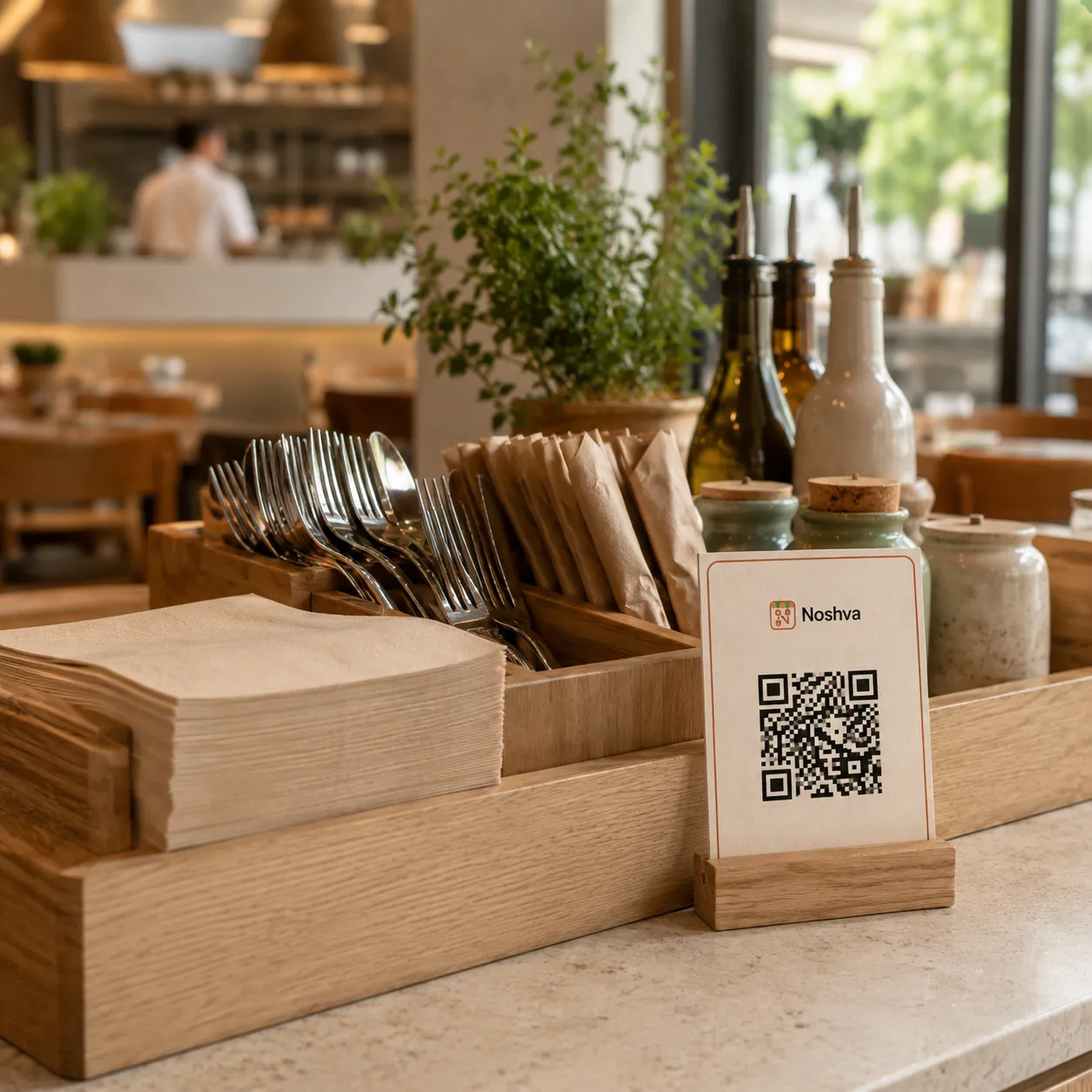
Open the restaurant’s public Noshva experience from the table QR.

QR-powered restaurant experiences
Give guests one place for your Menu, Rewards, and restaurant updates. Staff complete Rewards actions in a few clear steps, while owners review aggregate activity across the experience.


THE COMMON QR EXPERIENCE
Guests scan, open the menu, and that is usually where the experience ends.
One scan. One destination.
FLEXIBLE QR PLACEMENT
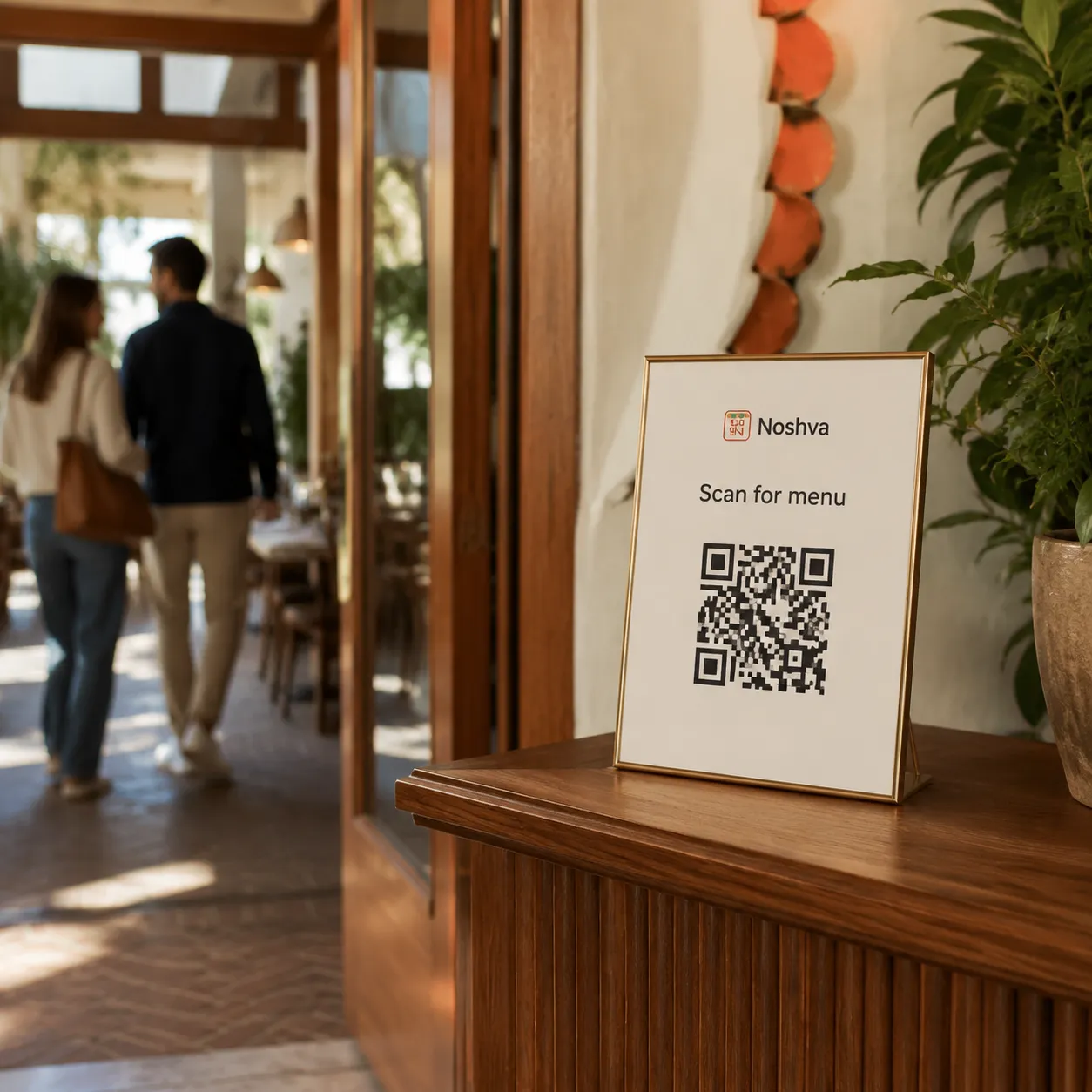
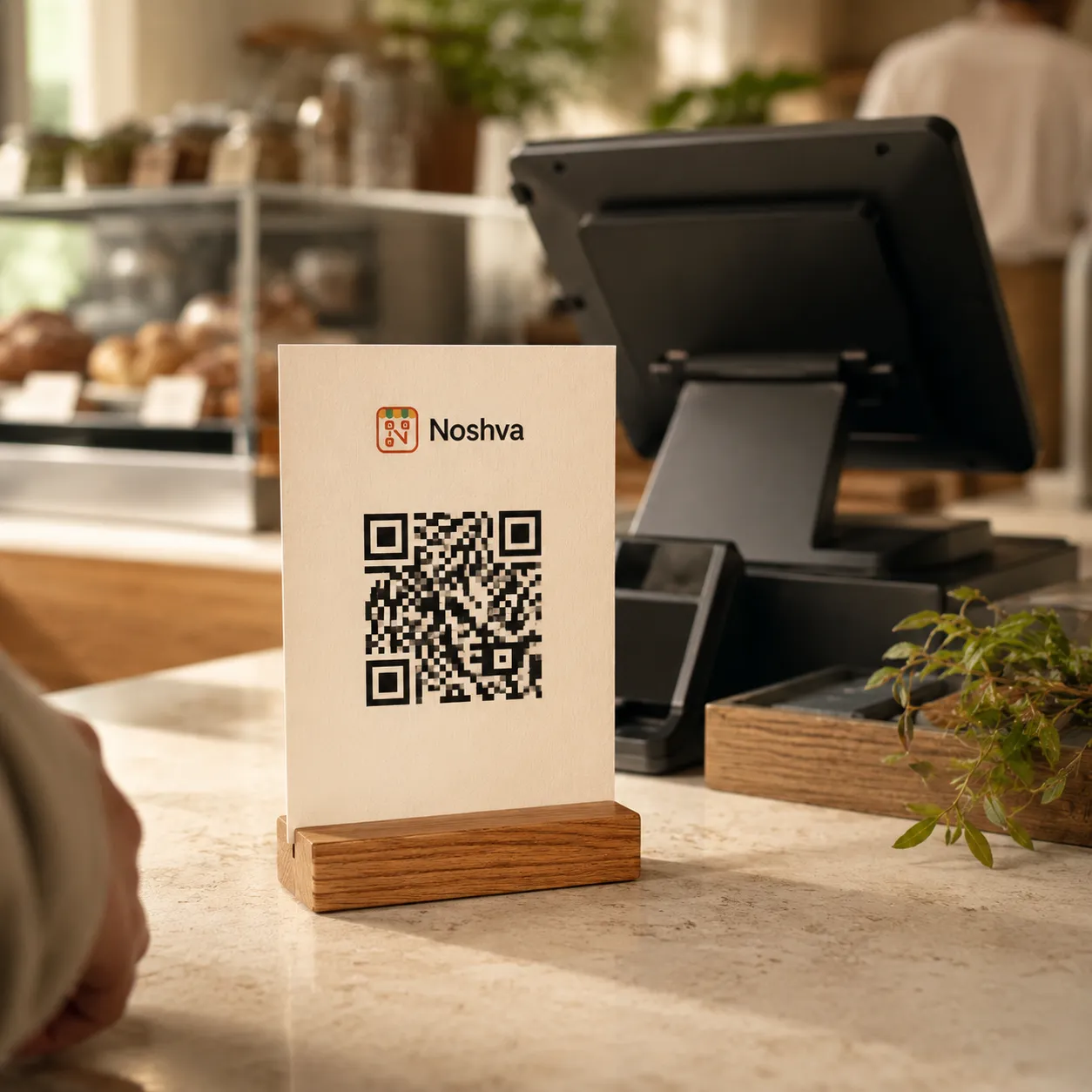
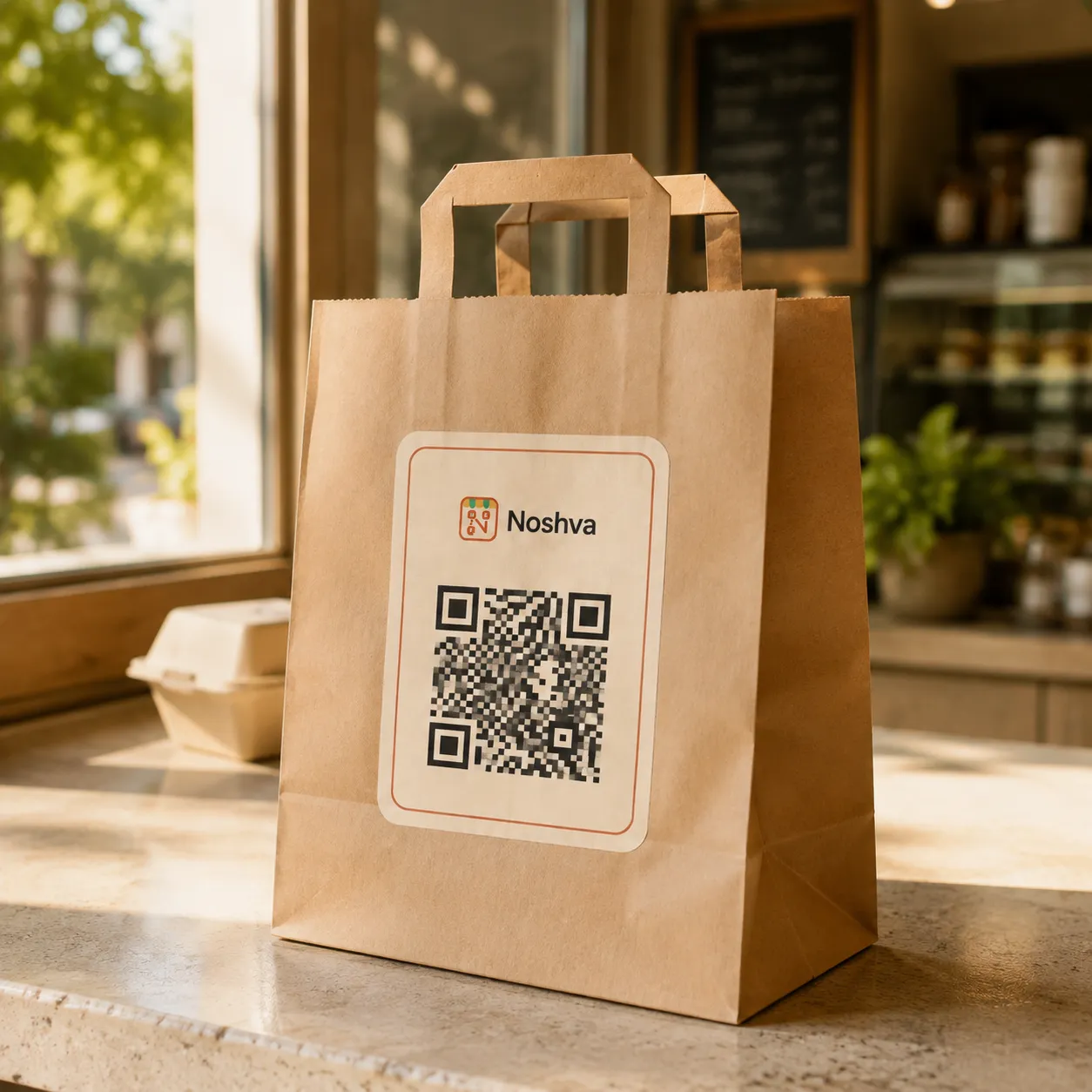
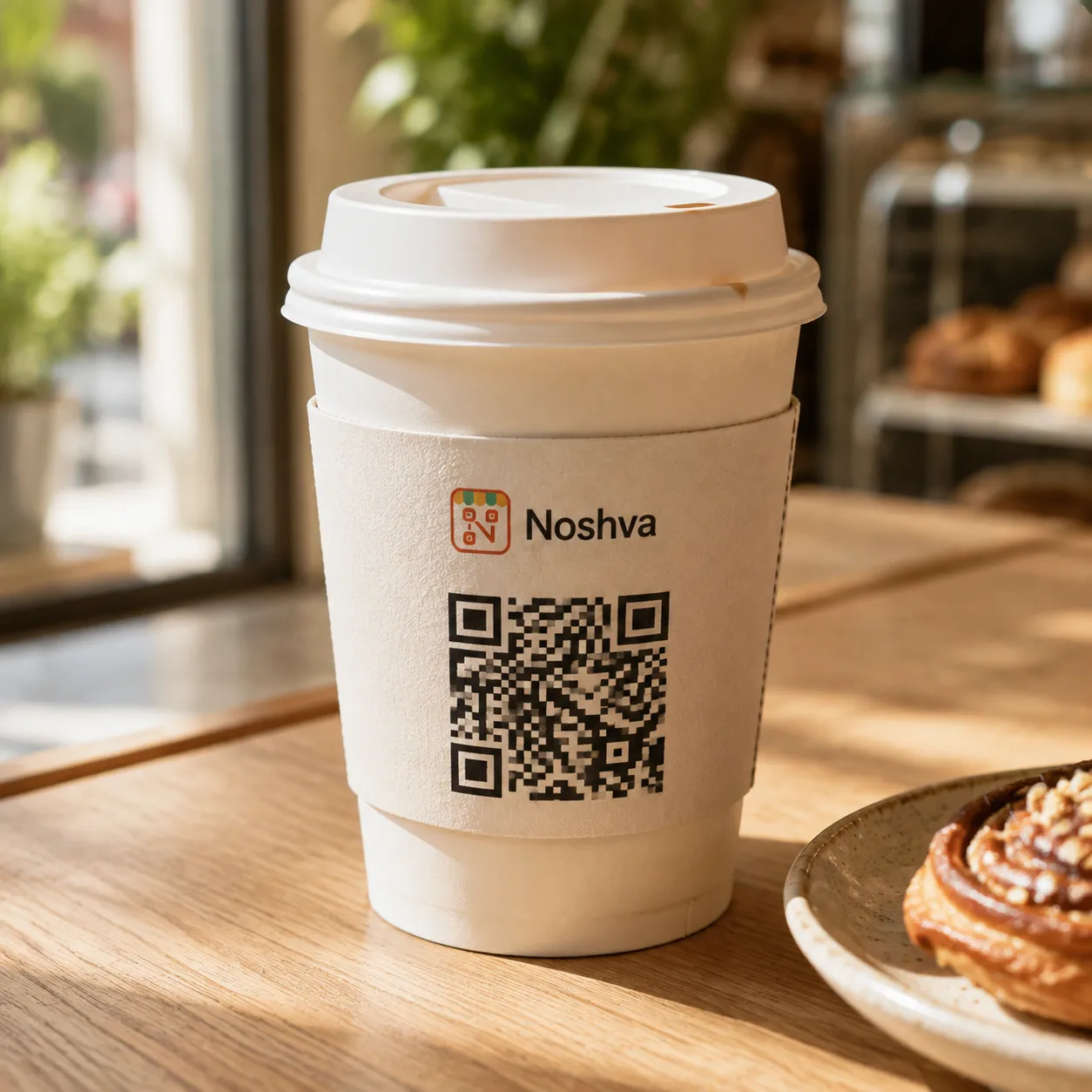
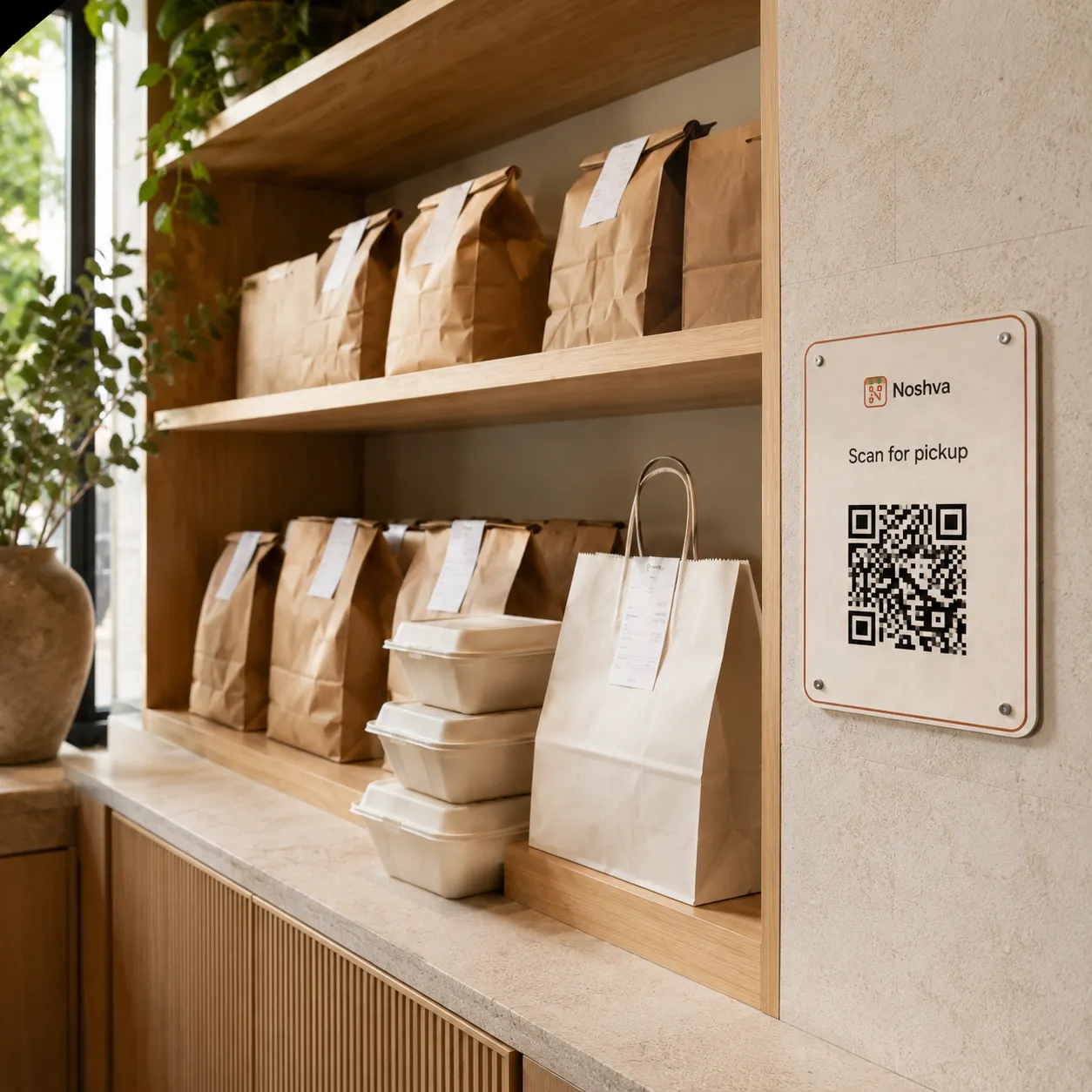
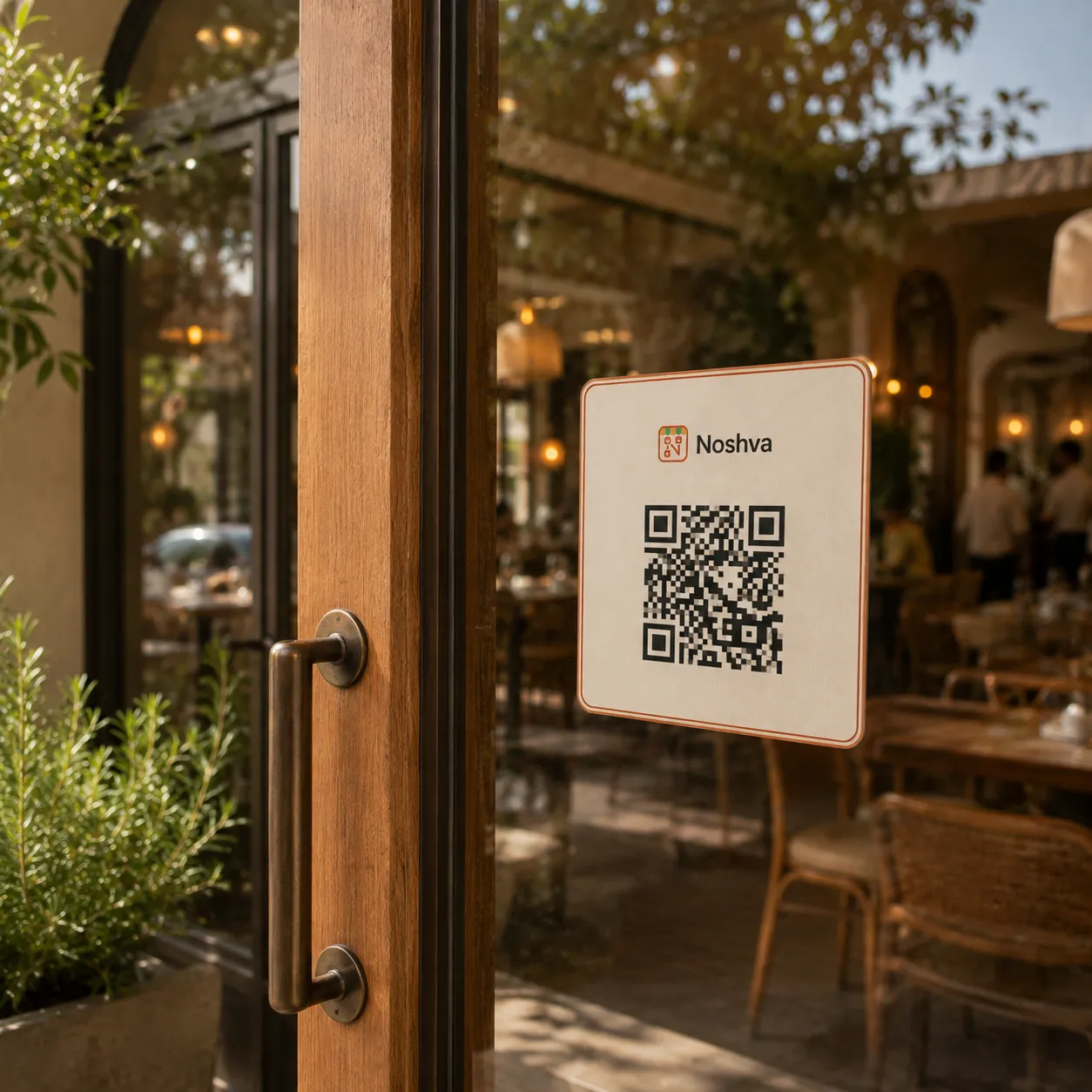
Place Noshva across dine-in, counter, entry, and takeaway moments—connecting guests to menus, rewards, and restaurant information wherever it makes sense.
01 / 10
One connected restaurant moment
Noshva connects what guests open, what staff complete, and what restaurant owners can review and improve.
01 Scan
01 Scan
Built for guests, staff, and owners
Each person sees only what they need—while the restaurant keeps one connected workflow.
For guests
Open the menu, check rewards, and return to the same experience anytime.
Explore guest experience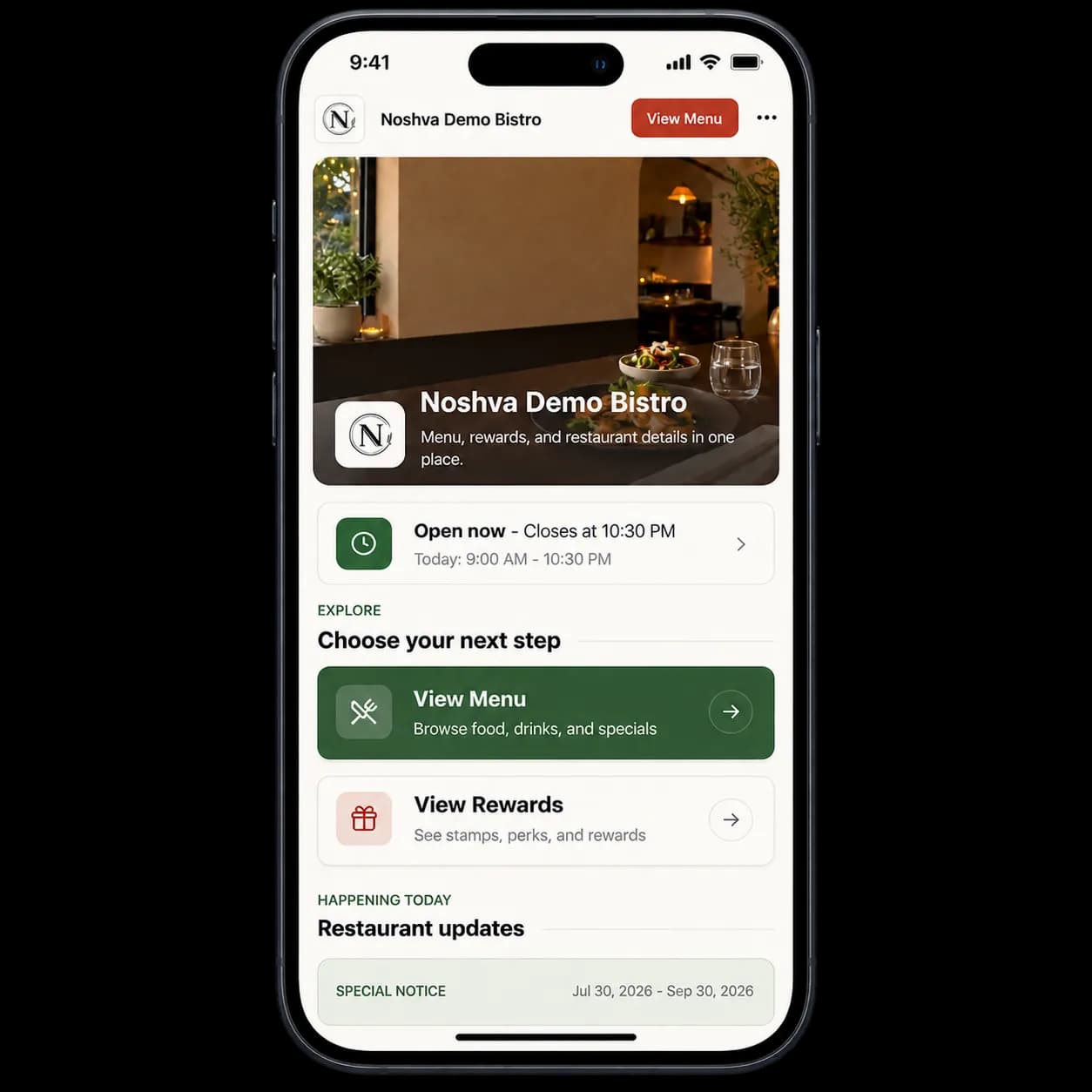
For staff
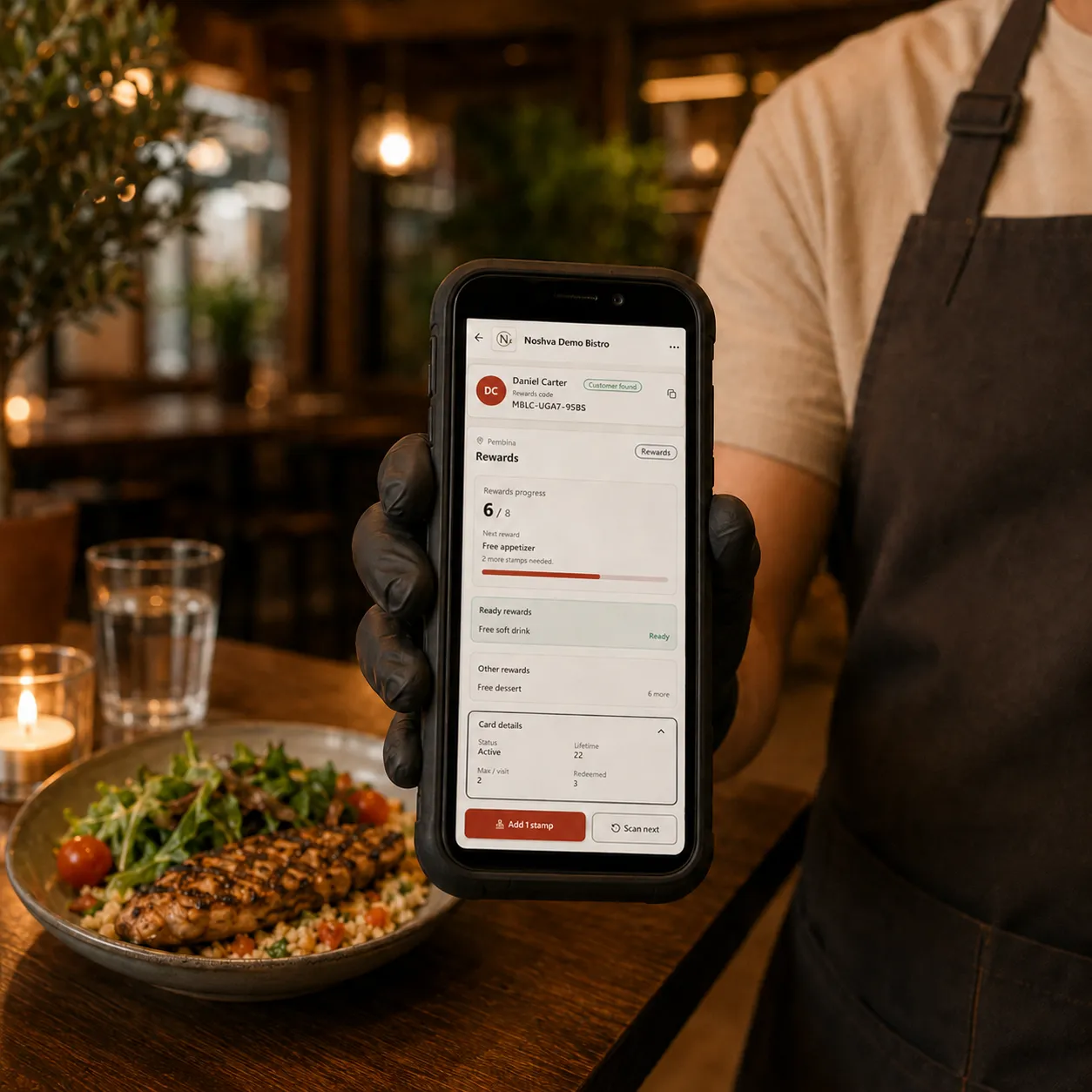
Add a stamp or validate a reward after purchase—without slowing service.
Explore staff workflow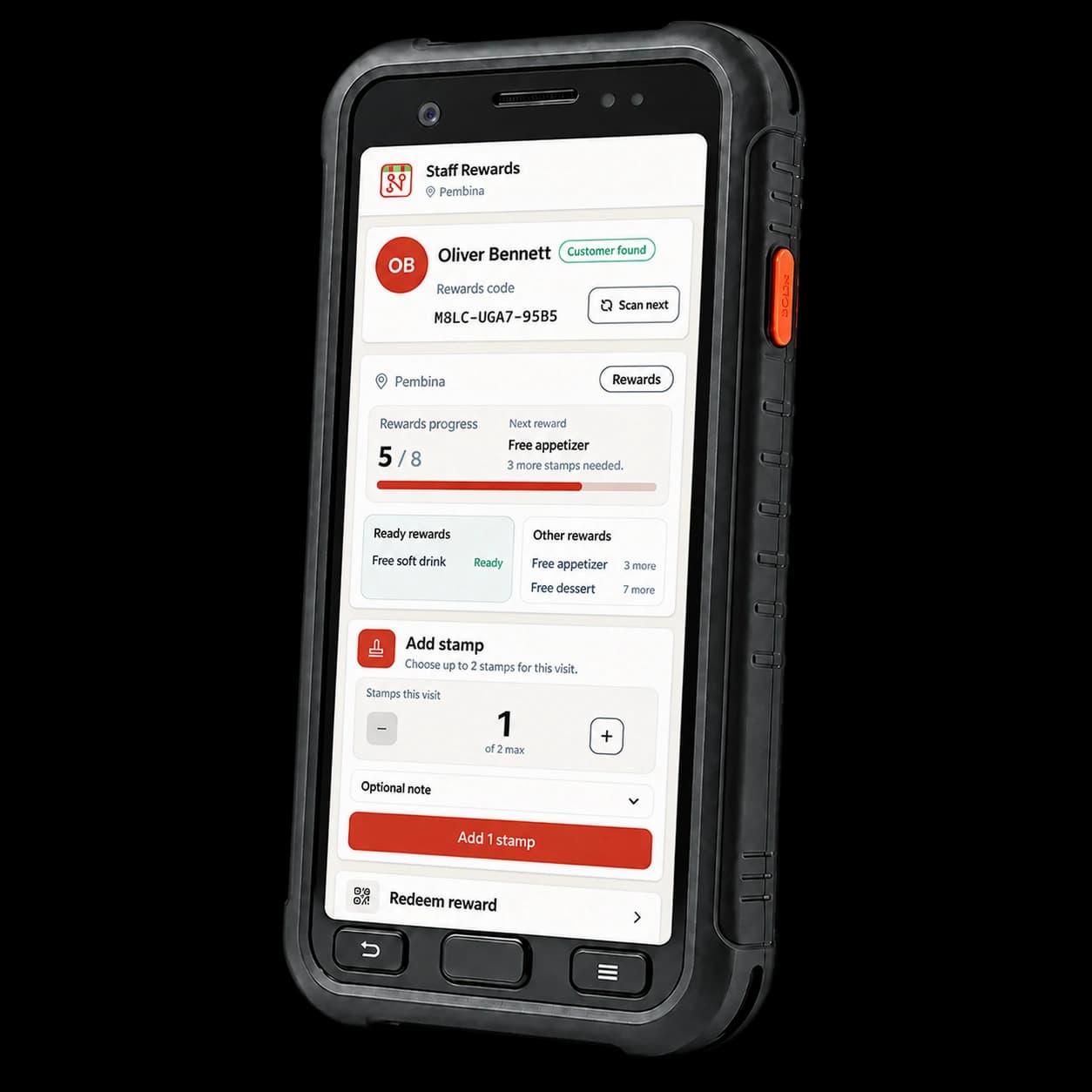
For owners
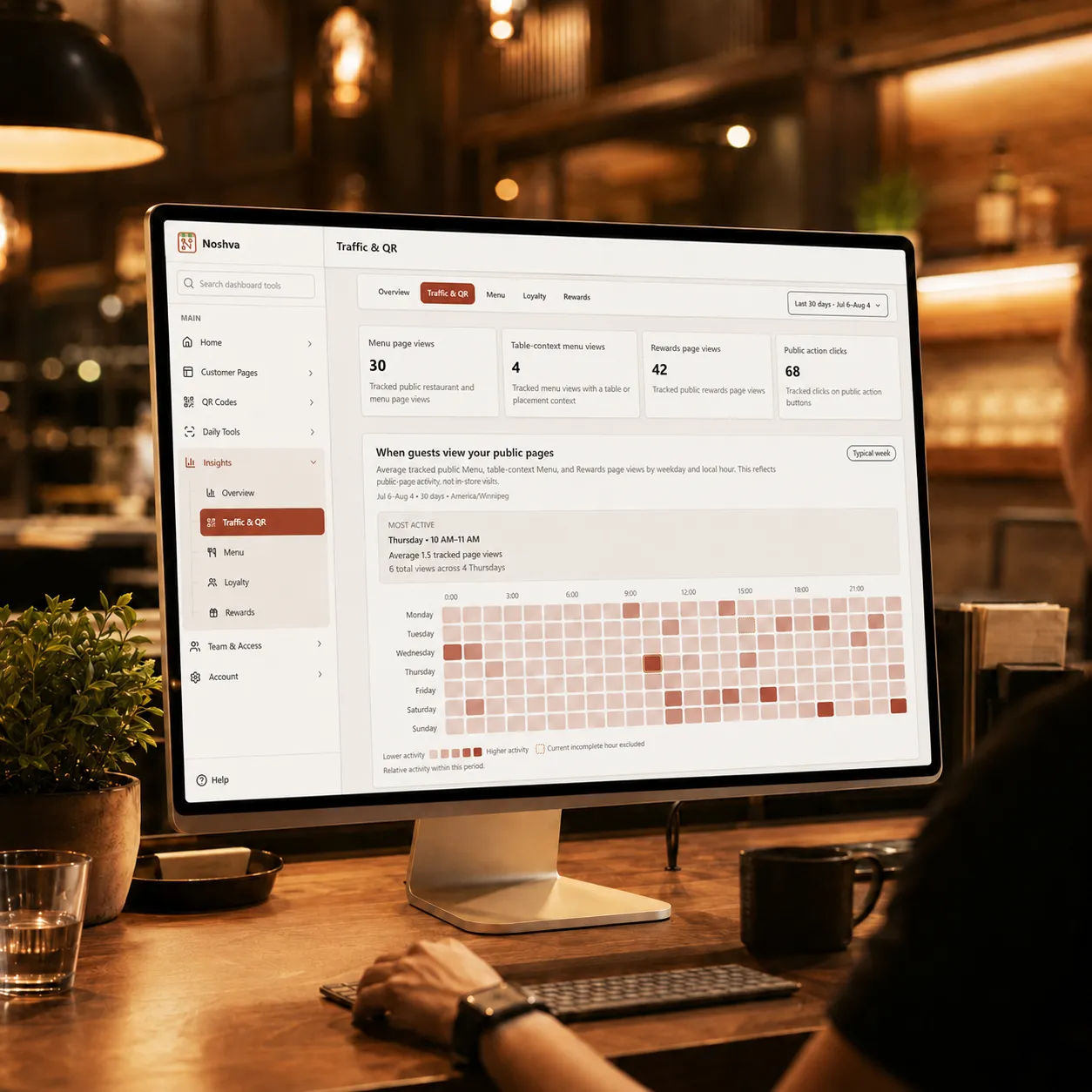
Review QR scans, menu views, rewards, and staff activity from one dashboard.
Explore analytics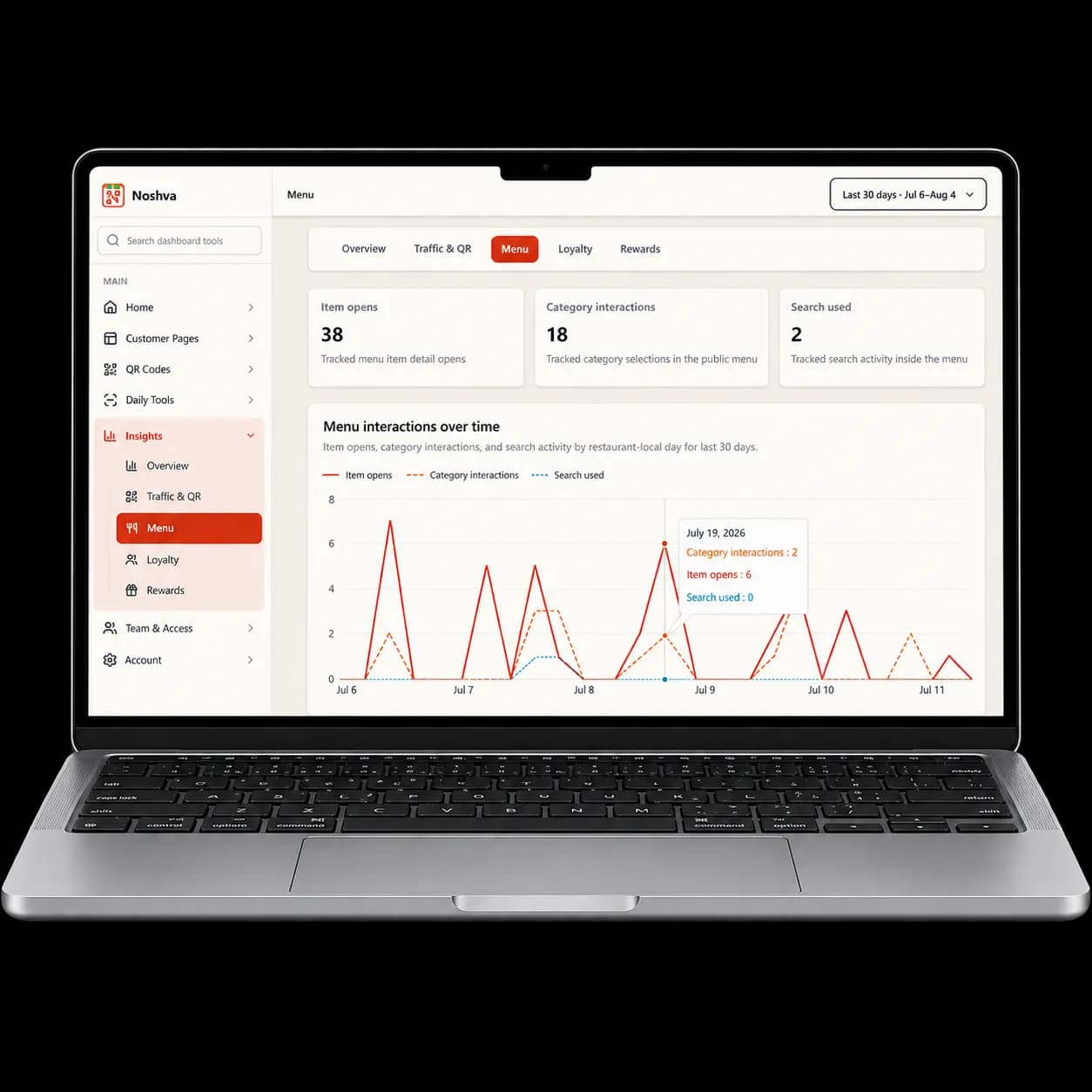
Built to fit the restaurant
Menu and Rewards, without replacing your POS or workflow.Noshva adds Menu and Rewards without replacing your POS, ordering flow, or the way your team already works.

Guided restaurant Pilot
Noshva reviews your restaurant setup, prepares the right workspace, and helps your team launch smoothly.
Secure. No commitment. Cancel anytime.
Common questions
Clear answers to the most common questions from restaurant teams.
Noshva connects a public QR Landing, mobile Menu, Rewards, focused staff workflows, and aggregate owner Analytics.
Request Pilot access to begin a reviewed conversation about your restaurant and workflow.